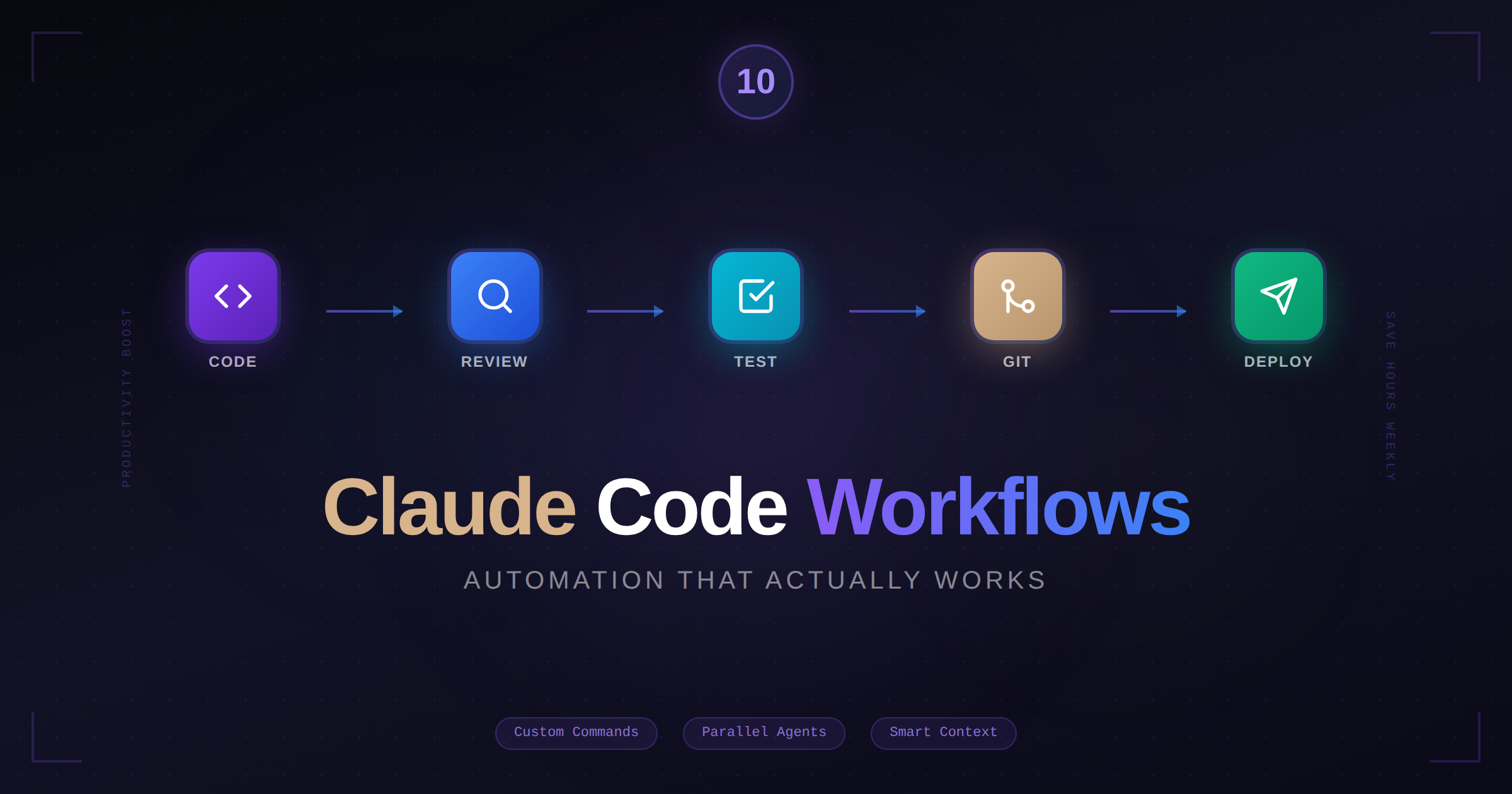
10 Claude Code Workflows That Save Me Hours Every Week
I've been using Claude Code for months now. Some things I tried once and forgot. Others became so essential I can't imagine working without them.
Here are the workflows that actually stuck.
1. The Morning Standup Review
Before I start coding, I ask Claude to catch me up:
> Summarize the changes in the last 3 commits and any open TODOs in the codebaseTakes 30 seconds, gives me context I'd otherwise spend 10 minutes piecing together. Especially useful after a weekend or when picking up someone else's work.
2. Custom Project Commands
This one's a game-changer. Create a .claude/commands/ directory in your project and add markdown files for repetitive tasks:
<!-- .claude/commands/fix-github-issue.md -->
# Fix GitHub Issue

Given the GitHub issue number provided, analyze the issue description,
find the relevant code, and implement a fix. Run tests after making changes.

## Steps
1. Fetch the issue details from GitHub
2. Identify affected files
3. Implement the fix following project conventions
4. Run the test suite
5. Summarize what was changed
Now you can run:
> /project:fix-github-issue 123I have commands for: creating new components, adding API endpoints, writing test suites, and generating documentation.
3. The Test-First Fix
When I get a bug report, I start with tests:
> Write a failing test that reproduces this bug: [paste bug description]Then:
> Now fix the code to make that test passThis ensures the bug is actually fixed and won't regress. The test documents exactly what was broken.
4. Code Review Assistant
Before opening a PR:
> Review the changes in this branch for potential issues, missed edge cases,
  and code style inconsistencies. Be critical.
Claude catches things I miss after staring at code for hours. Typos, unused imports, inconsistent naming, missing error handling. Better Claude catches it than a teammate.
5. The Refactoring Dance
Big refactors are where Claude shines. My approach:
> Analyze how UserService is used across the codebase.
  List all files that import it and how they use it.
Then:
> Refactor UserService to split authentication logic into AuthService.
  Update all imports and usages accordingly.
Claude tracks dependencies across files and updates them consistently. What would take an hour of careful find-and-replace takes five minutes.
6. Documentation From Code
Need docs but hate writing them?
> Generate API documentation for all endpoints in the /api folder.
  Include request/response examples based on the actual code.
The docs match the implementation because they're generated from it. Run this before releases to keep docs in sync.
7. The Checkpoint Safety Net
Before any risky operation, Claude automatically creates checkpoints. But I also manually checkpoint before experiments:
> I want to try a different approach to the caching layer.
  Let me know when you've checkpointed, then let's experiment.
If the experiment fails, /rewind and try something else. No git stash juggling, no lost work.
8. Parallel Investigation with Subagents
For complex issues that touch multiple areas:
> Investigate why the dashboard is slow. Check database queries,
  API response times, and frontend rendering separately.
Claude spins up subagents that investigate in parallel. Each one reports back, and you get a comprehensive picture faster than sequential investigation.
9. The "Explain Then Execute" Pattern
For anything non-trivial, I ask Claude to explain before acting:
> I need to migrate from Webpack to Vite. First, explain what changes
  would be needed and any potential issues. Don't make changes yet.
Review the plan, ask questions, then:
> That looks good. Go ahead and make those changes.This avoids surprises and often reveals considerations I hadn't thought of.
10. End-of-Day Handoff
Before stopping work:
> Summarize what we accomplished today and what's left to do.
  Format it so I can pick up easily tomorrow.
Claude writes a summary with file references and next steps. Morning me appreciates evening me's foresight.
Bonus: Headless Mode for Automation
Claude Code's headless mode (claude -p) integrates into scripts:
# Run Claude non-interactively
claude -p "Update all dependencies and run tests" --output-format json
I use this for:
Pre-commit hooks that check code quality
Automated PR descriptions
Batch processing across multiple files
The Meta-Workflow
The real productivity gain isn't any single workflow—it's the shift in how you think about tasks. Instead of "How do I do X?" you think "How do I describe X so Claude can do it?"
That mental shift compounds. You get better at breaking down problems, specifying requirements, and reviewing output. Skills that make you more effective with or without AI tools.
What Doesn't Work Well
Some things I stopped trying:
Highly creative architecture decisions — Claude can implement, but fundamental design choices need your judgment
Debugging production issues — Without access to logs and production state, it's guessing
Writing copy that needs brand voice — Technical writing yes, marketing copy less so
Know the limits, work within them, and you'll have a tool that genuinely saves time rather than creating work.
Start Small, Build Up
Don't try all of these at once. Pick one or two that fit your current pain points. Once they're automatic, add more.
The best workflows are the ones you actually use.