
Getting Started with Claude Code: AI That Actually Understands Your Codebase
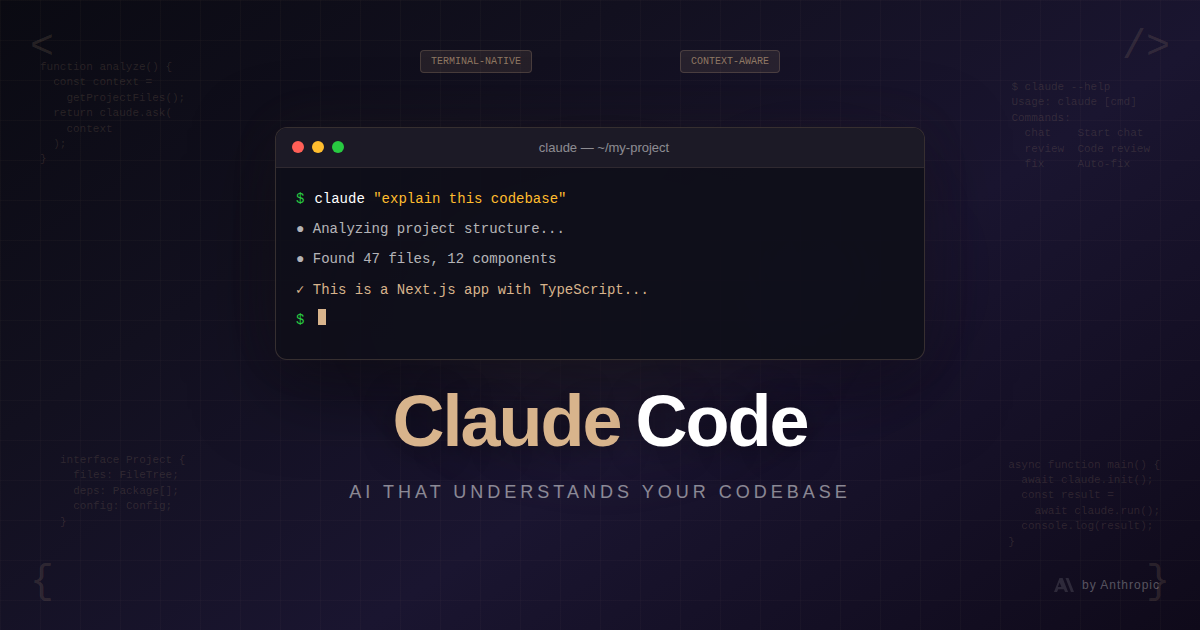
I've tried a lot of AI coding tools. Most feel like autocomplete on steroids—helpful for snippets, but they don't really understand what you're building.
Claude Code is different. It's an agentic coding tool that lives in your terminal, reads your entire codebase, and can actually execute tasks. Need to refactor a module? It reads the code, understands the context, makes the changes, and can even run your tests.
Here's how to get started.
Installation
Claude Code runs through the Anthropic CLI. You'll need Node.js 18+ installed.
npm install -g @anthropic-ai/claude-codeThen authenticate:
claude loginThis opens your browser to authenticate with your Anthropic account. You'll need an API key with credits, or a Claude Pro/Team subscription.
Your First Session
Navigate to any project and just run:
claudeThat's it. Claude Code scans your project structure, understands what you're working with, and waits for instructions.
Try something simple:
> Explain the structure of this projectClaude will analyze your files, identify the framework, and give you an overview. It's not just listing files—it actually reads the code and understands how pieces connect.
Basic Commands
Claude Code works through natural language, but there are some built-in commands:
/help— Show available commands/clear— Clear conversation history/cost— Show token usage and cost/compact— Condense conversation to save context/rewind— Restore to a previous checkpoint
The checkpoint system is particularly useful. Before making changes, Claude automatically saves your code state. If something goes wrong, hit Esc twice or type /rewind to restore.
Real Workflows
Understanding Unfamiliar Code
Just joined a project? Ask Claude to explain it:
> Walk me through how authentication works in this appClaude traces through the code, identifies the auth flow, and explains each step. Way faster than digging through files yourself.
Making Changes
Need to add a feature?
> Add a dark mode toggle to the settings pageClaude will:
Find the relevant files
Understand the existing patterns
Make the changes
Show you what it did
It respects your project's conventions—if you're using a specific component library or styling approach, it follows suit.
Debugging
Got an error? Paste it:
> I'm getting this error: TypeError: Cannot read property 'map' of undefined
  at PostList.tsx:15
Claude reads the file, understands the context, and suggests a fix. Often it can apply the fix directly.
Git Workflows
Claude handles git operations:
> Commit these changes with a descriptive message> Create a PR for this feature branchIt writes commit messages that actually describe what changed, not just "fixed stuff."
IDE Integration
Claude Code has native extensions for VS Code, Cursor, Windsurf, and JetBrains IDEs. With the extension, you see Claude's changes as visual diffs in your editor.
Install from your IDE's extension marketplace and connect it to your running Claude session.
The Learning Curve
The biggest adjustment is trusting Claude to make changes. Start small:
First week: Use it for explanations and single-file changes
Second week: Let it refactor modules and write tests
Third week: Hand it larger features while you review
Watch what it does. You'll learn its patterns and develop a sense for when to guide it more closely.
Tips for Better Results
Be specific about what you want:
# Vague
> Make the API faster

# Better
> Add caching to the /api/posts endpoint with a 5-minute TTL
Provide context when needed:
> The UserCard component should match the style of the existing
  PostCard component in src/components
Let it ask questions:
Claude often asks clarifying questions. Answer them—it leads to better results.
Review changes before committing:
Claude shows you what it changed. Take a moment to review, especially early on. You'll catch any misunderstandings and learn to communicate more effectively.
What Claude Code Does Well
Understanding large codebases — It actually reads and connects the pieces
Following patterns — It matches your existing code style
Complex refactoring — Multi-file changes that stay consistent
Explanations — Breaking down unfamiliar code
Routine tasks — Boilerplate, tests, documentation
What to Watch For
Hallucinating libraries — Occasionally suggests packages that don't exist. Verify imports.
Over-engineering — Sometimes adds more abstraction than needed. Keep it simple.
Outdated patterns — Specify versions when it matters: "Use React 19 patterns"
Pricing
Claude Code uses your Anthropic API credits or is included with Claude Pro ($20/month) and Team plans. Heavy usage might require additional credits.
Wrapping Up
Claude Code changes how you interact with your codebase. Instead of manually hunting through files and making tedious changes, you describe what you want and review the results.
It's not magic—you still need to understand your code and guide the process. But for the right tasks, it's a genuine multiplier. Give it a week and see how your workflow changes.