Building a Full Project with Claude Code: What I Learned
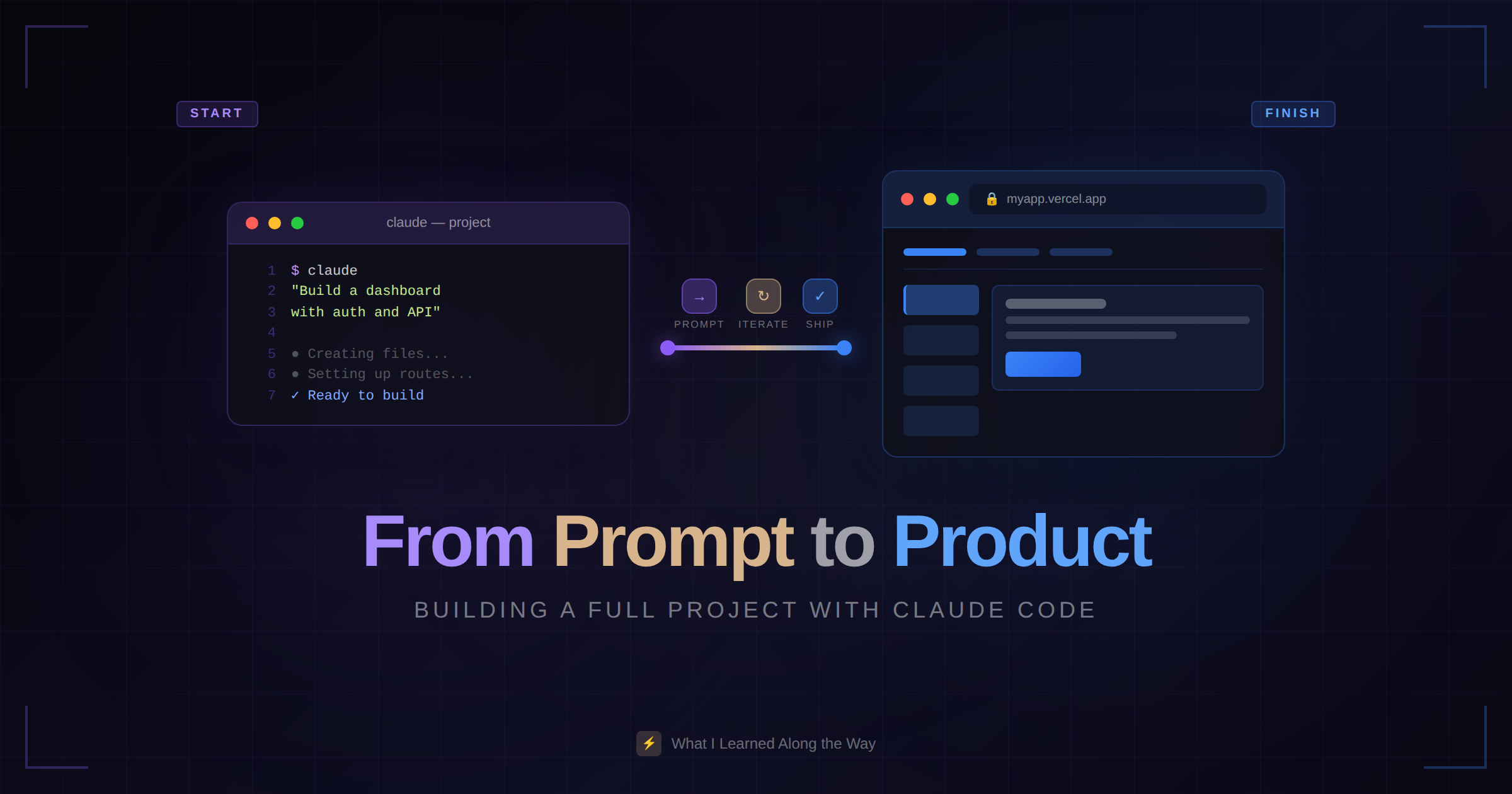
I recently built a side project almost entirely with Claude Code. Not just snippets—the whole thing. Backend API, database schema, frontend components, authentication, deployment config.
Here's an honest breakdown of how it went.
The Project
A simple SaaS dashboard for tracking metrics. Nothing revolutionary:
User authentication
Dashboard with charts
API for ingesting data
Stripe integration for billing
Basic admin panel
Standard stuff, but enough complexity to test real-world usage.
Week 1: Setup and Architecture
What Worked
Starting with a blank directory, I described what I wanted:
> I'm building a metrics tracking SaaS. Tech stack: Next.js 15 for frontend,
  PostgreSQL with Prisma, NextAuth for auth, Tailwind for styling.
  Set up the project structure and base configuration.
Claude scaffolded everything correctly. Project structure, config files, initial dependencies. What would normally take an hour of copy-pasting from documentation took about 10 minutes.
For the database schema, I described the relationships:
> I need: Users (with roles), Projects (owned by users), Metrics (belonging
  to projects with timestamp, name, and value fields), ApiKeys (per project
  for data ingestion).
Claude generated the Prisma schema with proper relations, indexes, and the migration. It even added sensible defaults and timestamps.
What Needed Adjustment
The initial project structure was slightly over-engineered. Claude added abstractions I didn't need yet—a full repository pattern, multiple utility directories. I asked it to simplify:
> This is more abstraction than I need for an MVP. Simplify the structure—
  we can refactor later if needed.
It trimmed things down without pushback. The lesson: specify when you want simple.
Week 2: Core Features
What Worked
Building CRUD operations was remarkably fast:
> Create the Projects API with routes for create, read, update, delete.
  Include proper validation and error handling. Only project owners
  should be able to modify their projects.
Claude handled the routes, validation, authorization checks, and error responses. All following the patterns from the existing code.
The dashboard took shape quickly too:
> Build a dashboard that shows: total metrics count, metrics trend over
  the last 7 days as a line chart, and a list of recent data points.
  Use the existing chart library pattern from the example component.
Pointing Claude to existing patterns ("use the existing chart library pattern") consistently produced better results than letting it choose from scratch.
Where I Had to Step In
Integration testing uncovered edge cases Claude missed. When users with no projects hit the dashboard, it crashed. Claude's code assumed data would always exist.
> The dashboard crashes for new users with no projects. Add proper
  empty states and loading states throughout.
Fixed, but I wouldn't have caught it without actually testing the flows. AI-generated code needs the same testing scrutiny as human-written code.
Week 3: Complex Features
What Worked
Stripe integration surprised me:
> Add Stripe subscription billing. Users start with a free tier (100 metrics/month),
  then paid plans for higher limits. Handle webhooks for subscription changes.
Claude set up the Stripe integration, webhook handlers, and usage tracking. It even added the customer portal redirect. Would have taken me a full day to wire up correctly—done in an hour.
What Got Messy
The billing logic started simple but grew complex. Different metric limits, overage handling, proration for plan changes. By the time I'd iterated through several rounds of changes, the code had become tangled.
I had to stop and refactor:
> The billing logic has gotten complicated. Let's refactor: extract a
  BillingService that handles all plan logic, limits checking, and usage
  tracking. Clean separation from the rest of the app.
The lesson: AI tools make it easy to add features fast, which makes it easy to accumulate tech debt fast. Build in refactoring time.
Week 4: Polish and Deploy
What Worked
Deployment config was straightforward:
> Set up Docker configuration for this project. Include development and
  production targets. Production should be optimized for size.
Documentation went surprisingly smoothly:
> Generate README documentation covering: project setup, environment
  variables needed, API endpoints, and deployment instructions. Base it
  on the actual code.
The Final Push
Small polish tasks stacked up: form validation messages, loading spinners, error boundaries, meta tags, favicon. Claude handled each one quickly:
> Add loading spinners to all async operations in the dashboard
> Improve form validation messages to be user-friendly
> Add proper meta tags for SEO on public pages
The cumulative time savings on these small tasks was significant.
What I Learned
1. Describe, Don't Dictate
Explaining what you want ("users should only see their own projects") works better than specifying how ("add a where clause filtering by userId").
Claude makes implementation decisions. Sometimes they're not what you'd choose, but they usually work. Save the how for when it matters.
2. Context Is Everything
Claude's suggestions got better as the project grew. By week 3, it understood our patterns, naming conventions, and architecture. Early on, I had to be more explicit.
Keep sessions going when you can. Compacted context (/compact) helps when conversations get long.
3. Test Everything
AI-generated code has the same bugs human code has—just different ones. Edge cases, race conditions, error handling gaps. The code looks right but might not behave right.
Write tests. Run them. Actually use the features.
4. Refactor Proactively
The speed of adding features can outpace the speed of maintaining clean architecture. Schedule refactoring sessions before things get tangled.
5. It's a Tool, Not a Replacement
Claude Code made me faster, but it didn't make decisions for me. Architecture choices, UX decisions, what to build next—still my job. Still requires experience to know what questions to ask and what answers to accept.
The Numbers
Total development time: ~40 hours over 4 weeks
Estimated time without Claude: 80-100 hours
Time saved: Roughly 50%
Where time was saved: Boilerplate, CRUD operations, integration code, documentation
Where it wasn't: Architecture decisions, debugging complex issues, UX iteration
Would I Do It Again?
Absolutely. But with adjusted expectations:
Claude Code is exceptional for:
Translating clear requirements into code
Following established patterns
Handling the boring parts
Explaining unfamiliar code
Doing the thing you know how to do but don't want to
It's not great for:
Making architectural decisions
Handling ambiguous requirements
Debugging without clear reproduction steps
Anything requiring subjective judgment
Use it for what it's good at. Do the rest yourself. Ship faster.